Overview
As an Author, you can organize your Library content into folders, helping you structure information, locate items quickly, and prepare content for use in a custom homepage.
Pre-Requisites
-
You have an Author license in your Library.
or -
Your Library admin has granted you the necessary permissions through a custom configuration (if folder creation is restricted for Authors).
Creating a folder in your Library
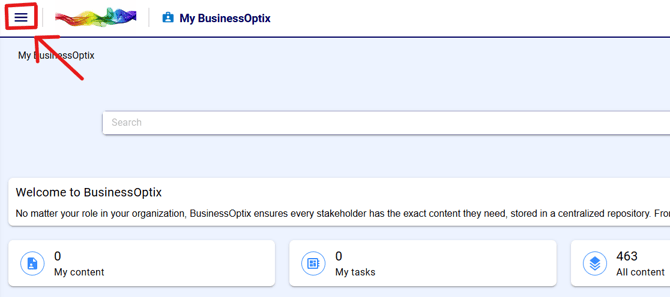
After signing in to a library, click the hamburger menu:
Select Browse from the menu.
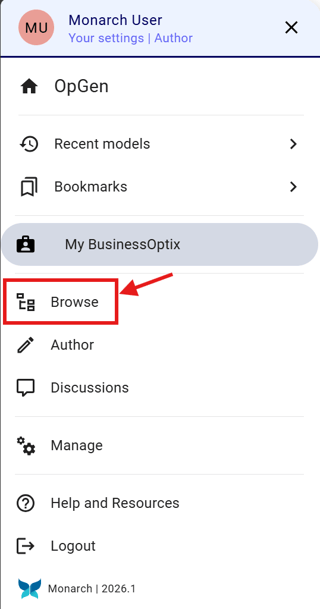
Note: Your menu layout may differ depending on your Library’s configuration.
You can navigate to the folder where you want to create a new folder using:
-
The navigation tree on the left-hand side
-
The folder contents pane on the right-hand side
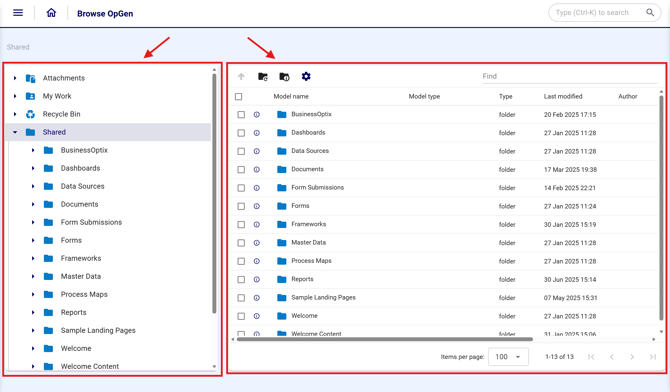
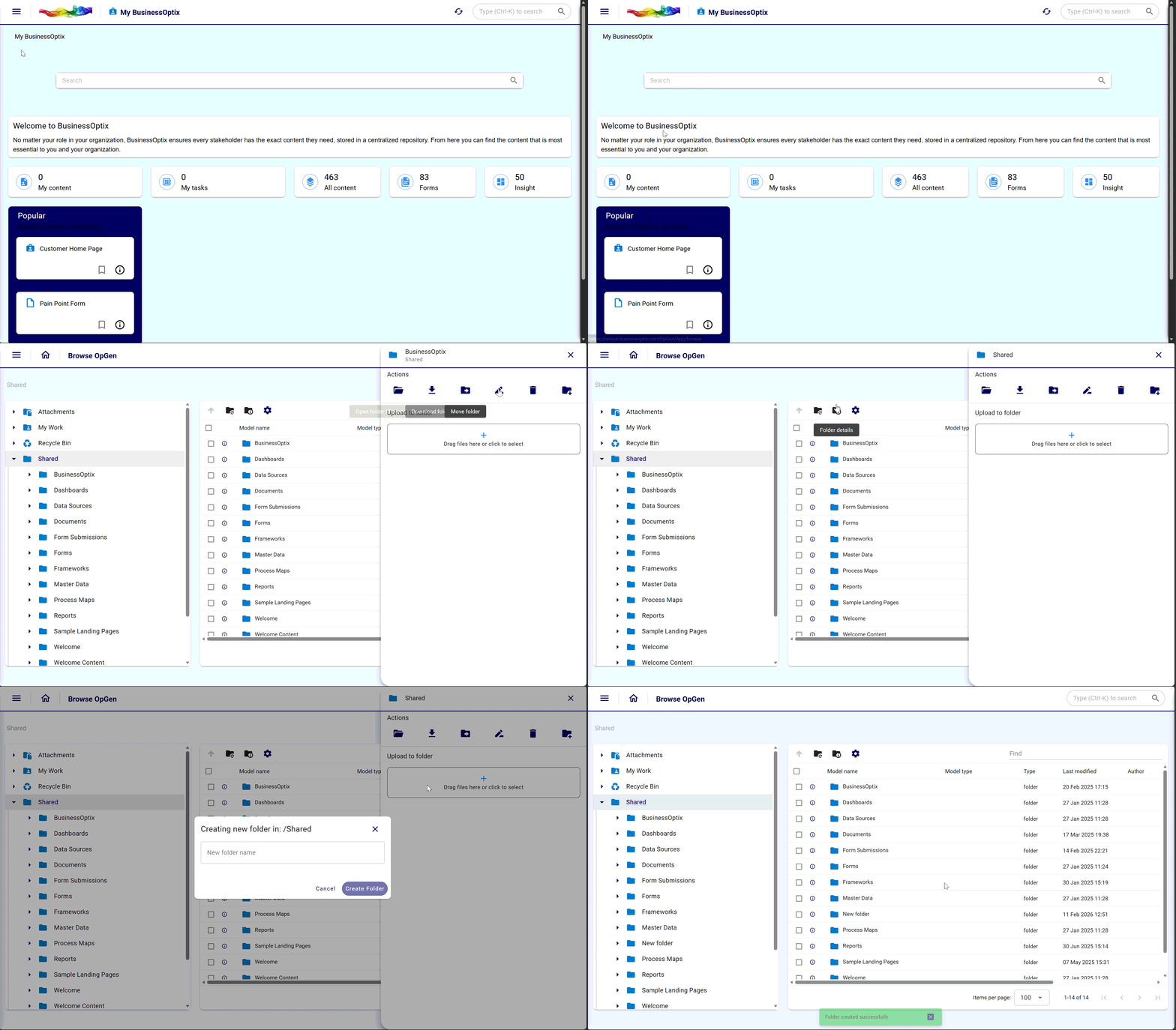
To create a folder:
-
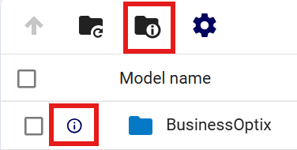
Select the folder details icon in the top bar for the folder you are currently in
-
This will create a sub‑folder inside it
-
-
Or select the details icon of any sub‑folder located next to it to create a folder within that sub‑folder
Then click the "Create sub folder" icon
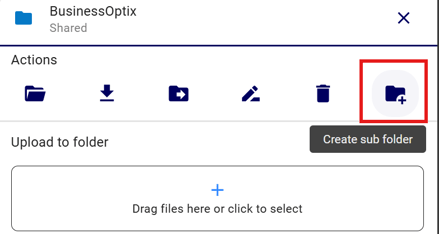
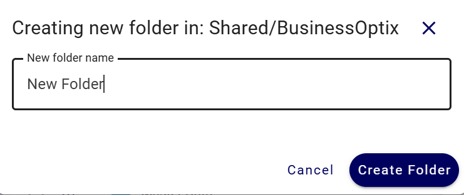
Insert the desired name and press "Create Folder"