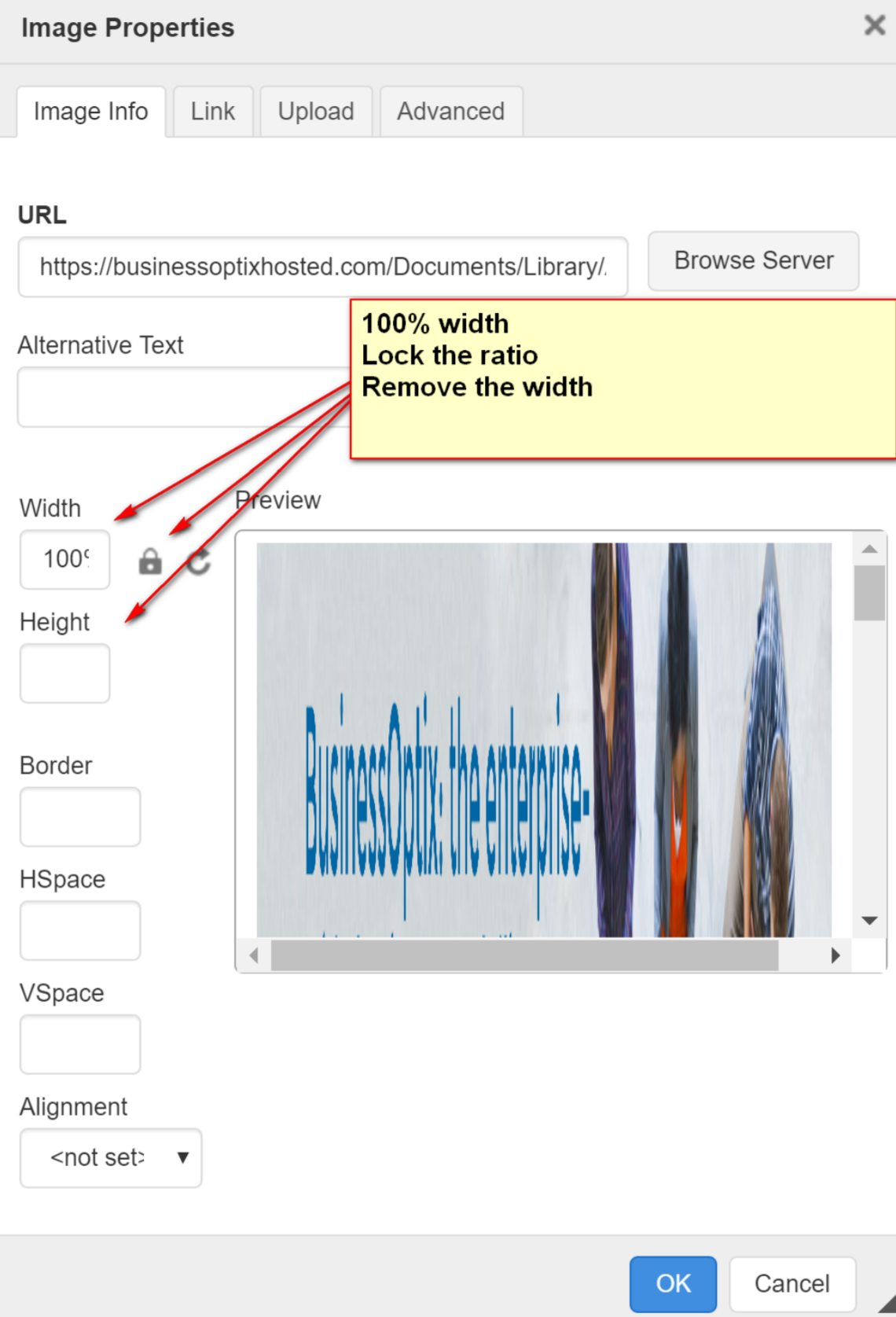
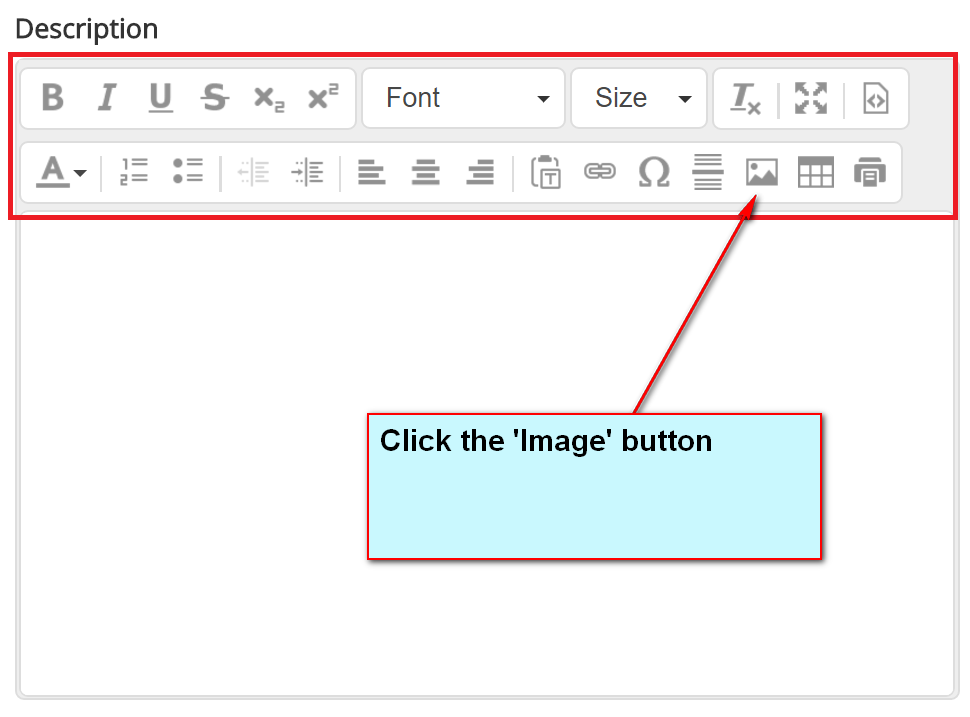
After you have added your image to the editor (refer to KB Article for best practice when adding images) we recommend taking the following approach when sizing the image. Click the image button to work with the image properties
If you have successfully added the image you will see the image in the preview window below.
Set the:
Width to 100%
Remove the Height
Lock the ratio
See below to see how it should look.
View the output!!