Note: Trays are customizable. You may not have an ‘Accountable’ role—perhaps ‘Responsible’ or another term, or none at all.
Tagging an Accountable
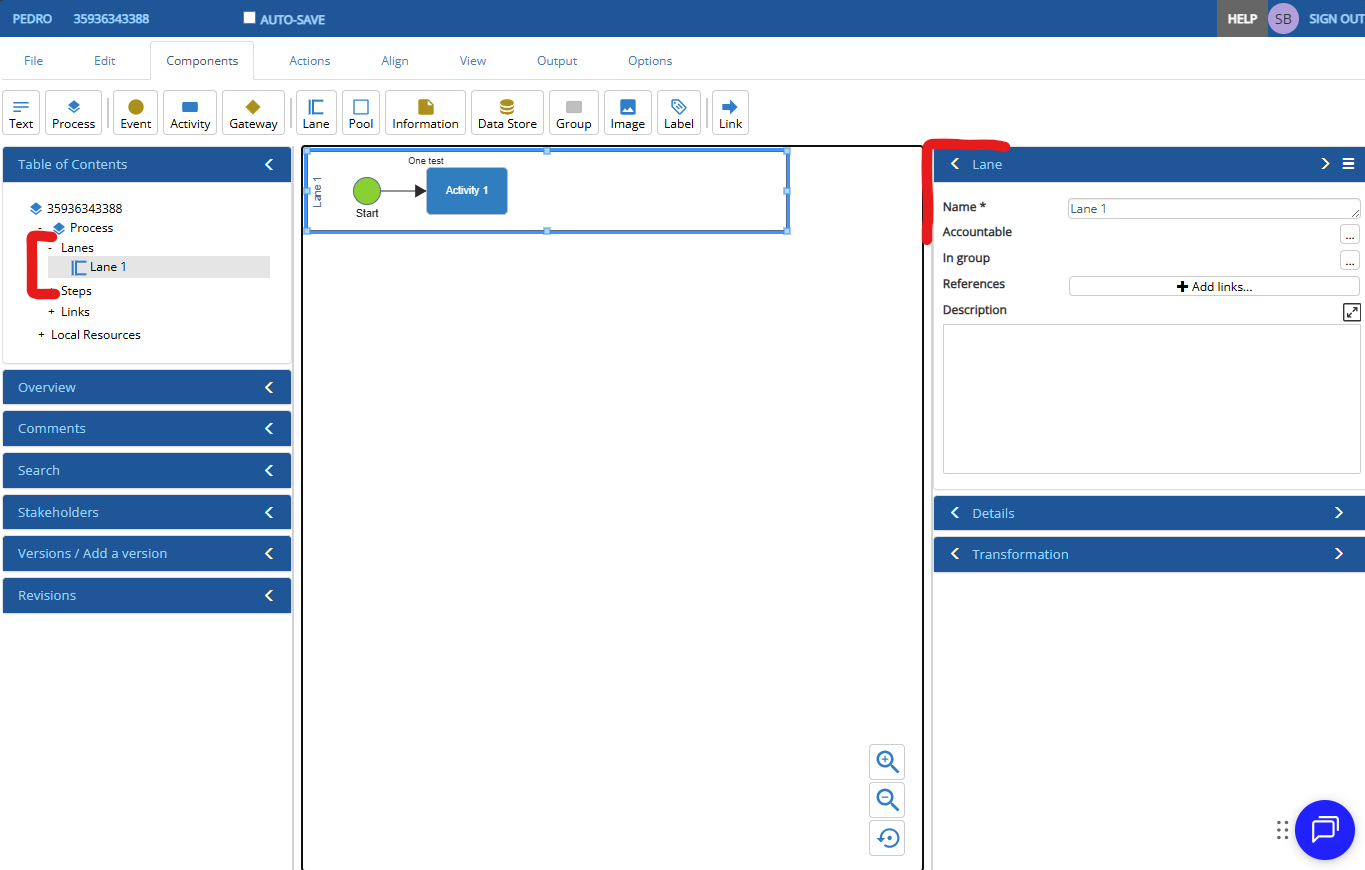
- Open your model and navigate to the Author’s screen.
- Select the desired lane.
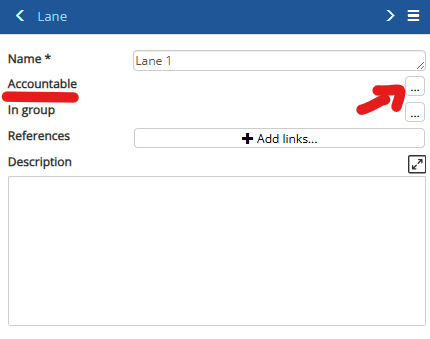
- On the right-hand panel, under the Lane tray, click the ellipsis
 next to Accountable (see image below).
Select or Create a Accountable
When pressing the ellipsis
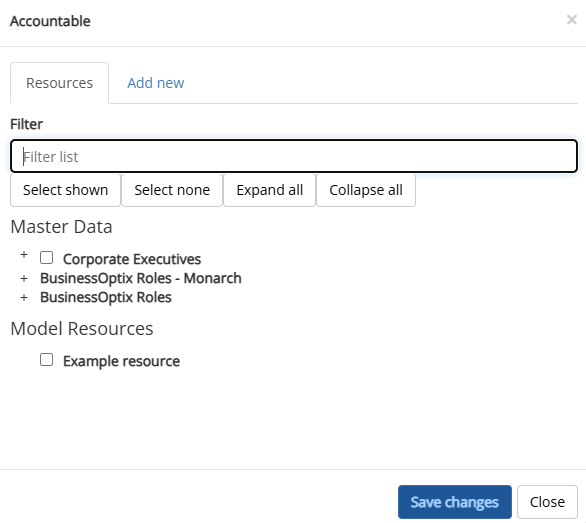
 , a pop-up will appear where you can:
- Search for an existing accountable using the filter text field or browse through the UI.
- Create a new local MD if needed, and later request approval for it.